1. Tap the + icon in the bottom right corner of your screen.

2. Fill in the Name and optional Description field.
You can also change the auto-generated serial number if you wish.

3. Tap the Save button to create the asset profile.

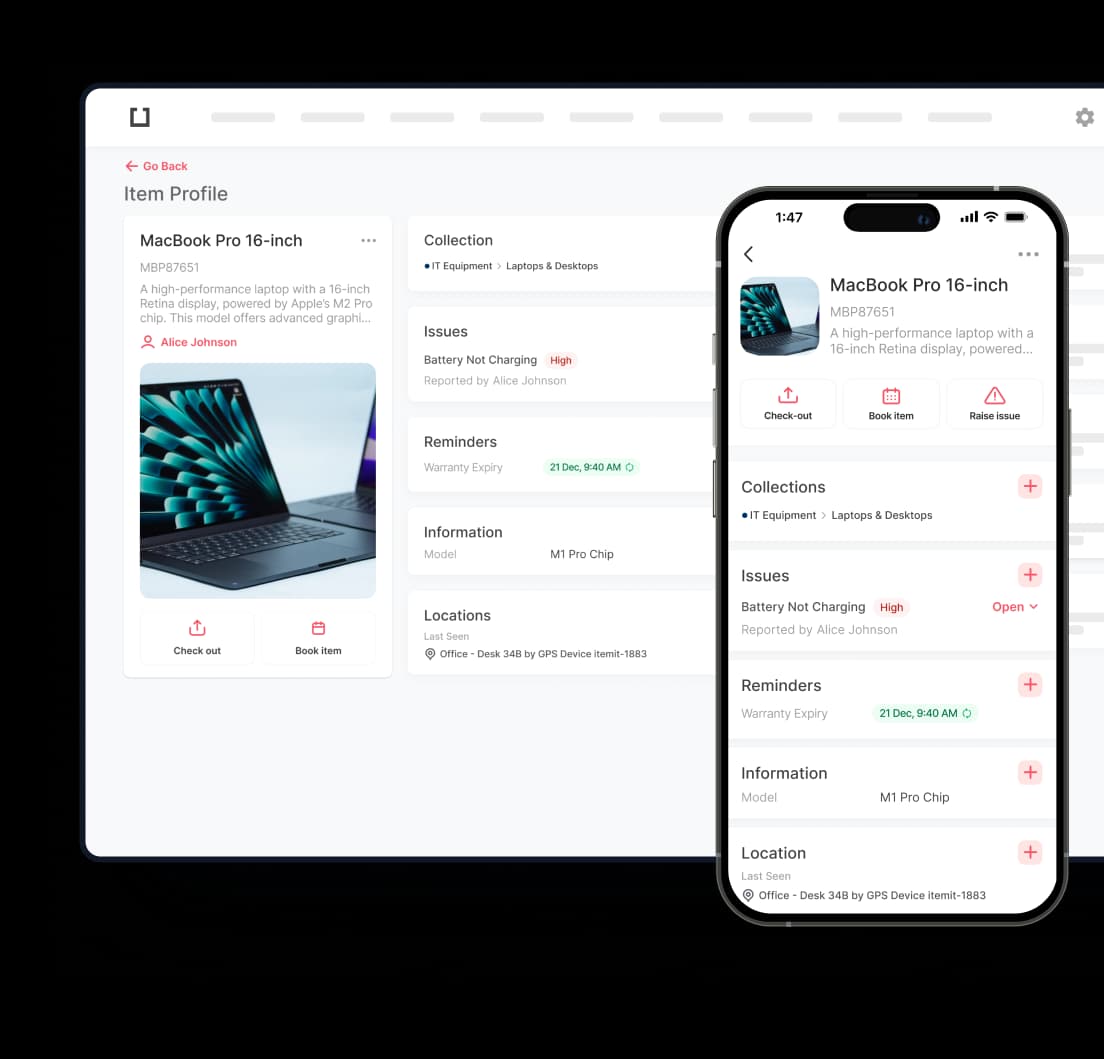
4. Your asset profile has been created!
What's next? Add a profile photo for your asset - just tap the camera icon.

5. Choose to add a picture from the photo library or take one using the camera.

6. Now your asset has its own profile and picture!